Follow Route
An animated map video that traces the trip one segment at a time.
 PastRouteBook
Export and share
Create an animated route video, a keepsake-style travel postcard or a visual trip-statistics summary—directly from the journeys already saved in PastRouteBook.
See it in action
The Follow Route export turns your trip map into a short vertical video. Each segment is revealed in sequence so friends and family can see how the journey unfolded—not just where it ended.
Four quick steps
Choose the saved trip you want to turn into a video or shareable image.
Open the export choices from the share icon at the top of the trip.
Select Follow Route for motion, Travel Postcard for a keepsake, or Trip Stats for a detailed visual summary.
Review the finished export, save it to Photos, or open the iPhone share sheet.
Export choices may vary slightly depending on the information saved in a trip and the version of the app installed.
Choose the right finish
Use motion when the route matters, a postcard when the memory matters, or trip stats when you want the complete story at a glance.
An animated map video that traces the trip one segment at a time.
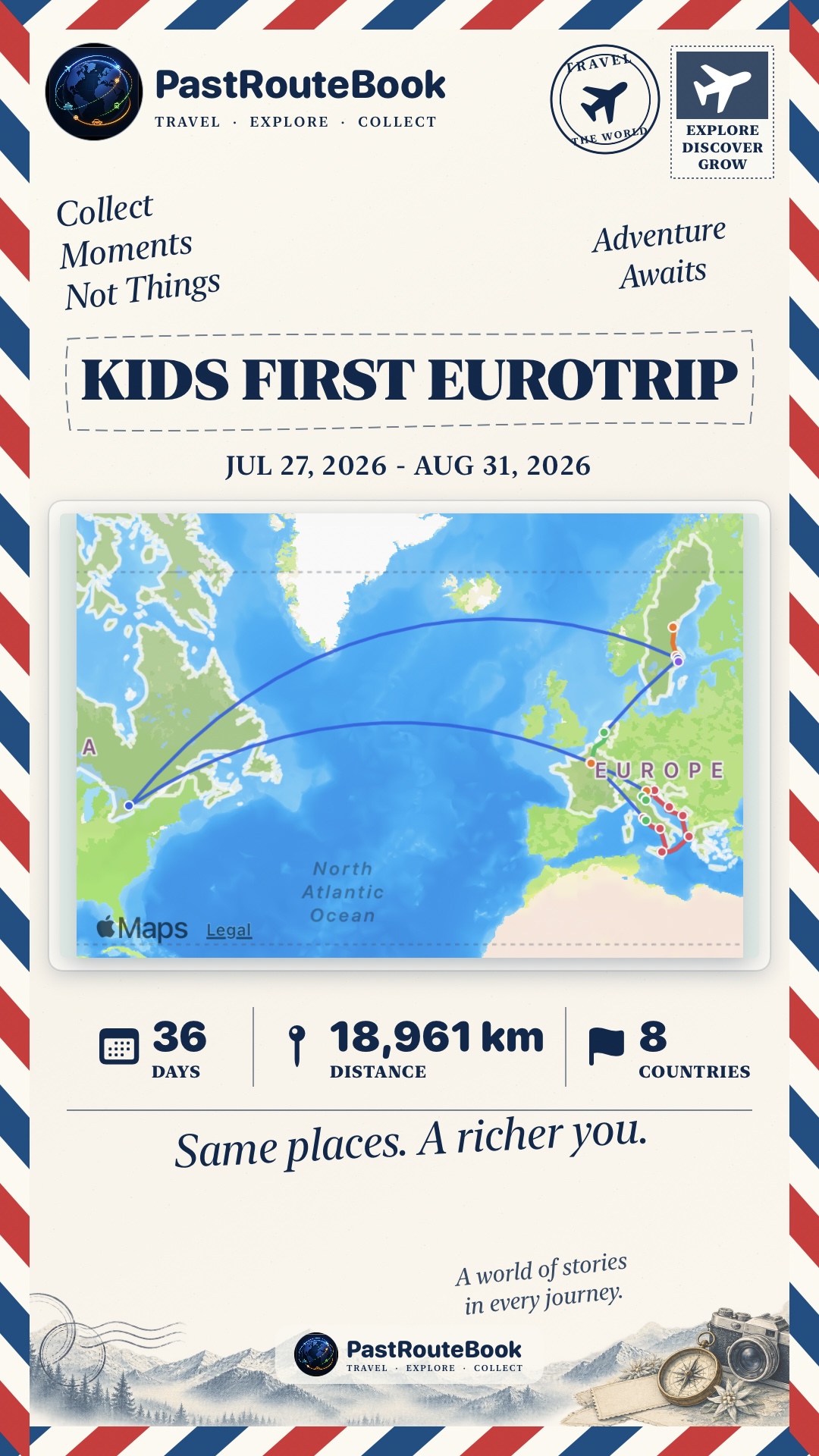
A keepsake-style image with your route map, trip dates, distance, duration and countries.
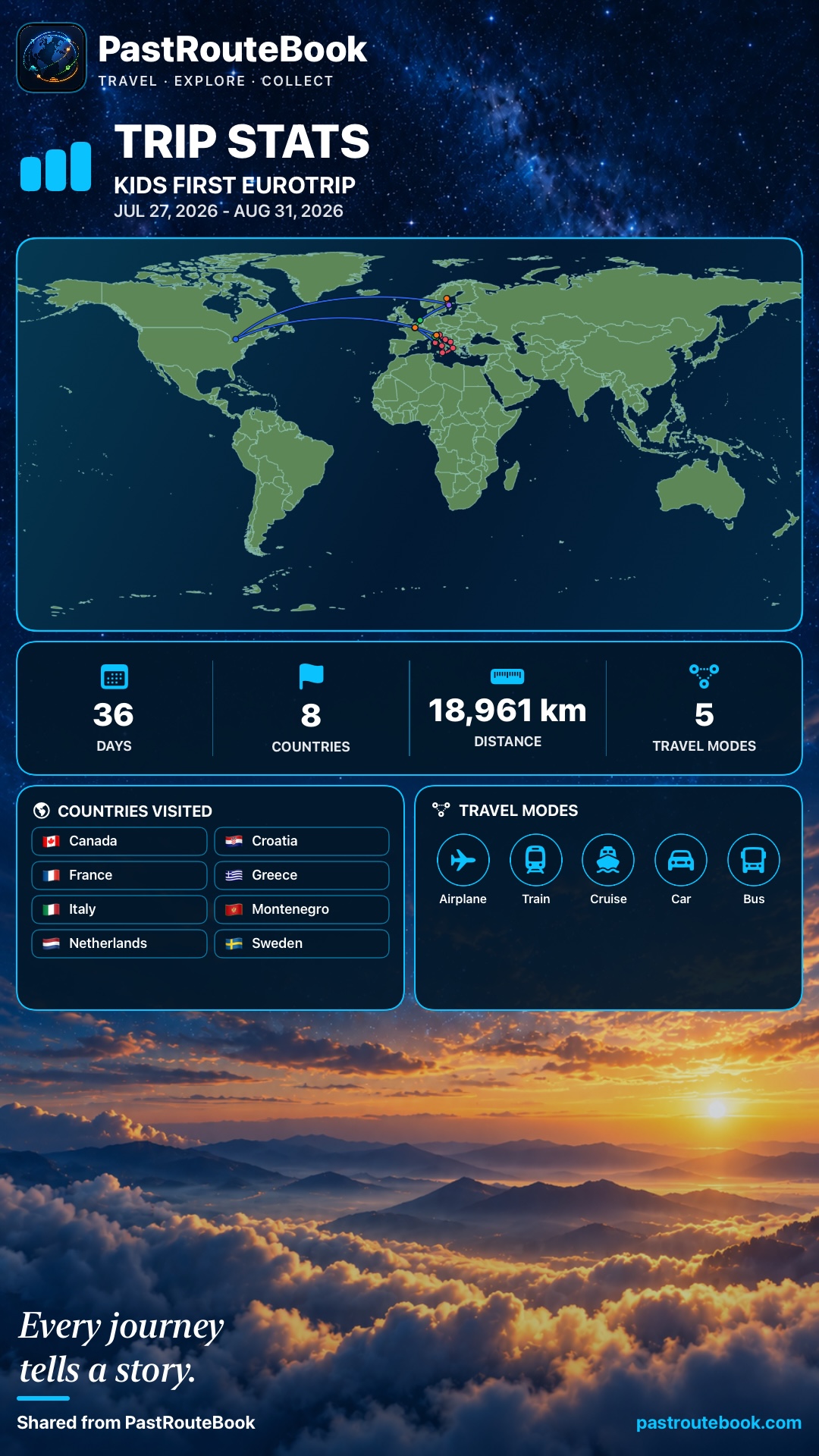
A polished visual summary with the route, totals, countries visited and travel modes used.
Before you export
The date range becomes part of the finished design, so confirm it before exporting.
Add the major flights, trains, cruises, drives or other segments you want viewers to see.
Short, personal titles are easier to read and make each export feel uniquely yours.
Ready to tell your story?